Make your first browser synthesizer
Explore oscillator frequency, level and filtering with a playable sine-wave instrument template.
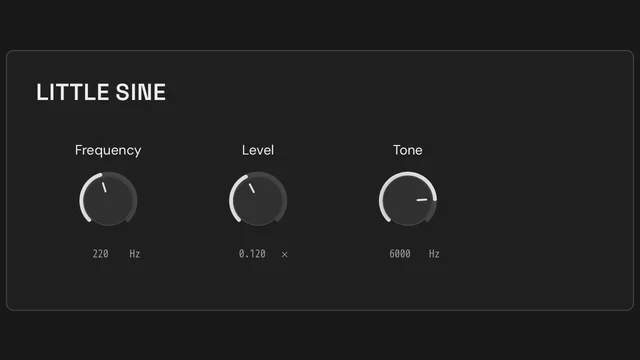
- Open Little Sine and preview its continuous oscillator at a comfortable listening level.
- Change Frequency to hear how oscillator rate controls pitch.
- Change Level to compare amplitude without changing frequency.
- Lower Tone to explore the low-pass filter after the oscillator.
- Create your own copy and inspect the oscillator and filter in Patch. Exposed parameters connect them to the Frame controls.
- Save the Toy, then publish a playable page when you are ready to share it. This example is a continuous sound source, not a note-triggered keyboard instrument.
Keep exploring
Build a browser delay effect
Learn how a low-pass filter, delay time, feedback and mix shape a stereo echo in Tune.Toys.
Make your first browser synthesizer
Explore oscillator frequency, level and filtering with a playable sine-wave instrument template.
Reuse a patch with independent controls
Understand nested patches, independent instance state and reusable Frames using two stereo gain stages.